Free browser pass
Basic Pitch · Local MIDI
Best for a quick melodic draft when the source is isolated and you want to keep the audio on your device.
 Local MIDI
Audio to MIDI converter guide
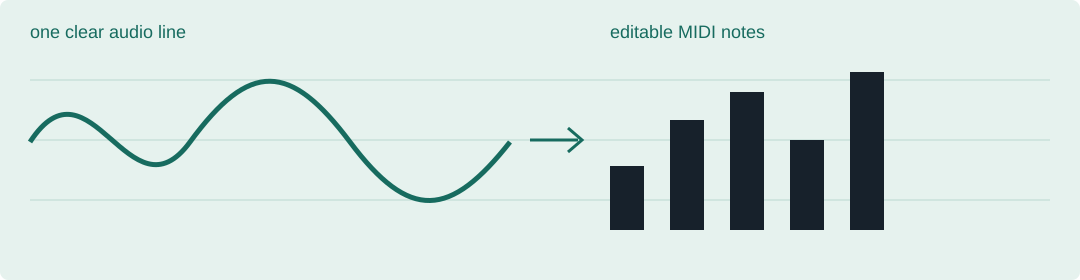
For one clean melody, use a free browser tool. For chords or a full mix, choose a workflow that lets you inspect missing notes, false notes, and timing instead of promising a perfect first pass.
Single melody: start with Basic Pitch or Local MIDI. Prepared paid workflow: try NoteGrabber. Chords and dense material: use Melodyne or Prism and budget time for manual edits.
A practical decision map
| What is in your audio? | Start here | What to check after export |
|---|---|---|
| One clear vocal, bass, or lead line | Local MIDI or Basic Pitch | Octave, pitch bends, note joins, and quiet notes |
| A melody with vibrato or slides | Basic Pitch, then a piano-roll cleanup | Short fragments, neighbouring pitches, and split sustains |
| Piano, chords, or overlapping instruments | Melodyne or Prism | Missing notes, false notes, timing, and chord spelling |
| A full mix | Separate stems first, then convert each part | Bleed between parts and edits left by the stem separation |
Why this is different from a tool list. A converter can export a MIDI file and still leave the useful work undone. This page makes the repair surface explicit: the next decision is not only which model to click, but which notes you will inspect after the file is created.
Tool fit
Basic Pitch · Local MIDI
Best for a quick melodic draft when the source is isolated and you want to keep the audio on your device.
NoteGrabber
Useful when you want a directed workflow for prepared material rather than a one-click promise for a dense mix.
Melodyne · Prism
Choose these when inspecting and correcting polyphonic notes is part of the job, not an unexpected failure.
Before you call it done